


Merge and Unmerge Cells Shortcut in Google Sheets
You can merge cells by pressing Alt + O + M + A/ Enter and unmerge them using the Alt + O + M + U shortcut key if on a PC in Google Sheets. On a Mac, use Control + Option + O, M Enter to Merge and Control + Option + O,M,U to Unmerge. SheetWhiz is a great option if wanting to use Excel shortcuts in Google Sheets.

David Pang
Sep 22, 20255 min read


How to Insert and Delete Rows & Columns in Google Sheets with Shortcuts
Tired of clunky menus? Discover the fastest way to insert and delete rows & columns, without memorizing confusing shortcuts.
David Pang
Sep 14, 20256 min read


How to Use "Open Filter Drop-Down Menu" Shortcut in Google Sheets
CTRL + ALT + R is the default shortcut key to open the filter drop-down menu in Google Sheets. It only works if you enable Keyboard Shortcuts first.
David Pang
Sep 9, 20254 min read


How to Clip Text in Google Sheets Using Keyboard Shortcuts (Alt + H + W + C) - Works on Mac!
In this article, we will go through every way to trigger the clip text shortcut in Google Sheets including the native shortcut available...
David Pang
Aug 10, 20252 min read
How to Overflow Text in Google Sheets Using Keyboard Shortcuts (Alt + H + W + O) - Works on Mac!
In this article, we will go through every way to trigger the overflow text shortcut in Google Sheets including the native shortcut...
David Pang
Aug 10, 20252 min read
How to Wrap and Unwrap Text in Google Sheets Using Keyboard Shortcuts (Alt + H + W)
If you have ever tried to wrap text in Google Sheets with a shortcut, you may have noticed it is not as smooth as in Excel. In Excel,...
David Pang
Aug 9, 20252 min read

How to Zoom In / Zoom Out in Google Sheets Using the Ctrl + / Ctrl - Keyboard Shortcut
If you've ever tried to zoom in or out in Google Sheets using your keyboard, only to find nothing happens, you're not alone. For many...
David Pang
Aug 9, 20253 min read
We made trace dependents for Google Sheets 10x faster
We made trace dependents 10x faster on SheetWhiz. One of the biggest points of feedback we get on SheetWhiz is that trace dependents is...
David Pang
Feb 26, 20251 min read


How to Export Google Sheet Outputs as Images You Can Easily Update
With Export Selection as Image, you can export Sheets selections while maintaining formatting and the location Export data seamlessly...
David Pang
Jan 26, 20252 min read
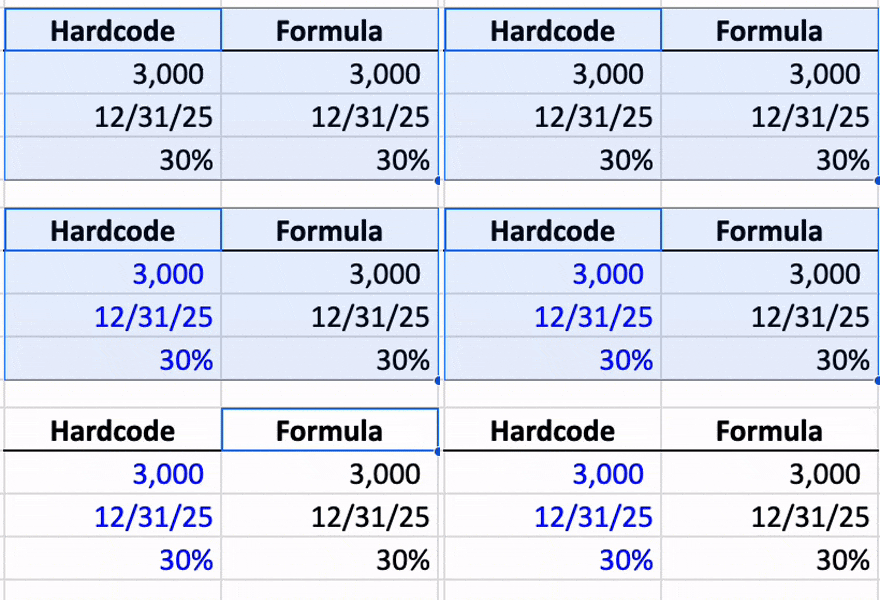
How to Auto Color Cells in Google Sheets (Hardcodes Blue, Formulas Green)
If you spend a lot of time working with huge amounts of data in Google Sheets, you've probably struggled to find which numbers drive the...

Aman Mishra
Jan 2, 20252 min read